LMS Communities
LMS Communities can be used for resource sharing, collaborative work, communication, personal or professional development, or as complementary spaces for teaching, learning, and program delivery.
The difference between LMS Communities and Subjects
LMS Communities share the same general features and structure as LMS Subjects. However, where LMS Subjects are strictly governed by StudentOne teaching periods and are formally graded, LMS Communities do not contribute to formal grading and are therefore often designed to support teaching, learning, and program initiatives.
Attributes of LMS Communities:
- LMS Communities have the same features and structure as LMS Subjects, and are just as customisable.
- LMS user guides referring to Subjects also apply to Communities.
- Each Community has at least one staff member and a number of Community members (staff, students, affiliates or external users). The Community owner is responsible for maintaining the site and managing membership.
- Once the Community has been created, the requester will be given Instructor and Enroller roles by default. They may add other staff via the Staff Roles tool.
How do you access Communities?
Published Communities you may be enroled in will appear in your Subject Dashboard. Communities can be differentiated from subjects by their code, which begin with COM:
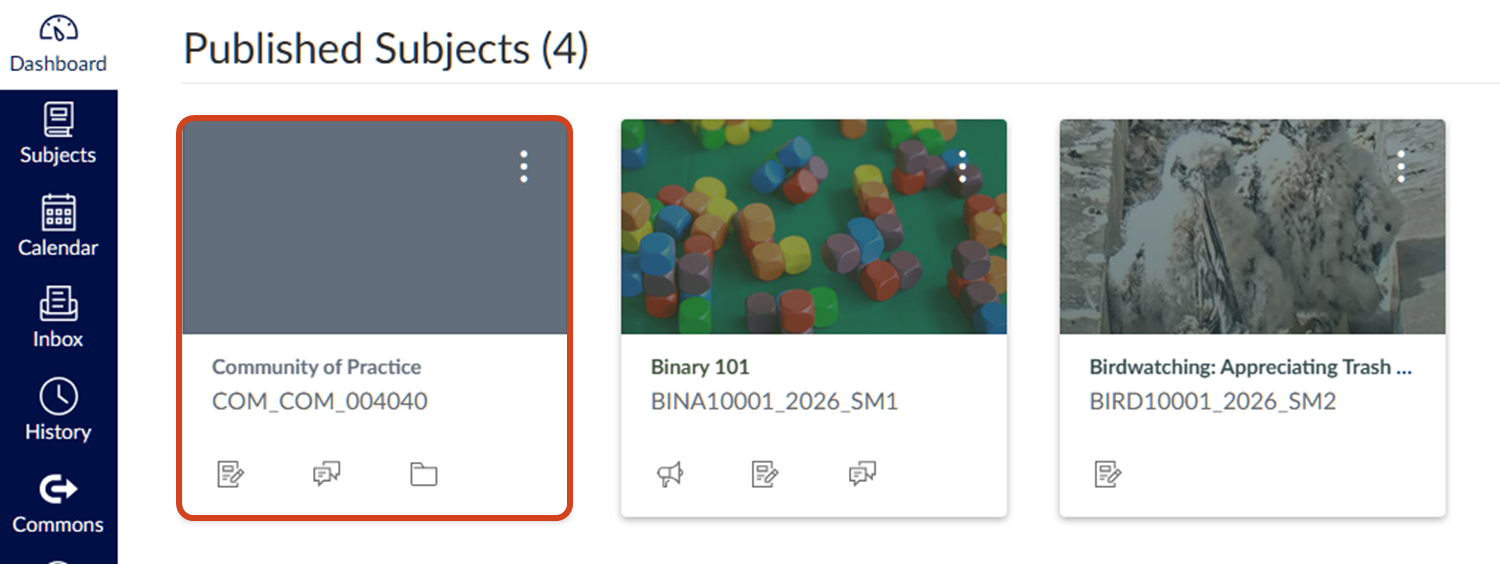
Categories of Communities
| Category | Description |
|---|---|
| COM | Community space for students [general] |
| CPD | Community space for continuing professional development for students |
| LIFE | Community space for student life |
| PDEV | Community space for staff professional development |
| RES | Community space for research students to collaborate |
You can refer to the Community policy or reach out via a support ticket if you are unsure if a Community is right for your needs or if you need a Community. For professional development or training, we encourage utilising a TrainMe module if applicable.
Community membership
The Community owner may add other staff members in relevant staff roles as required. For a detailed overview and comparison of available staff roles, please view the staff roles guide. There are two main ways to allow access to Communities:
A. Adding users to a Community
Users can be manually added by Community owners. Note that while users in a Community may be staff, students, affiliates or external users, users added by the following means will will be granted Student roles in the Community. Community owners can add members via:
- Ad hoc management: The owner or authorised staff members of the Community can add users in Student roles on an ad hoc basis.
- Cohort link by subject or course: Membership may be managed by linking specific subjects or a course to a Community. Students are automatically added/removed from the Community based on their enrolment in specific subjects or course.
Note that no staff are copied over during cohort linking; any staff will need to be added separately using the Staff Roles tool if required.
B. Self-enrolment
Where requested, the Community can be configured so that a user can self-enrol via the LMS Communities sub-catalogue or a direct link. Self-enroled users are granted access to Communities in Student roles.
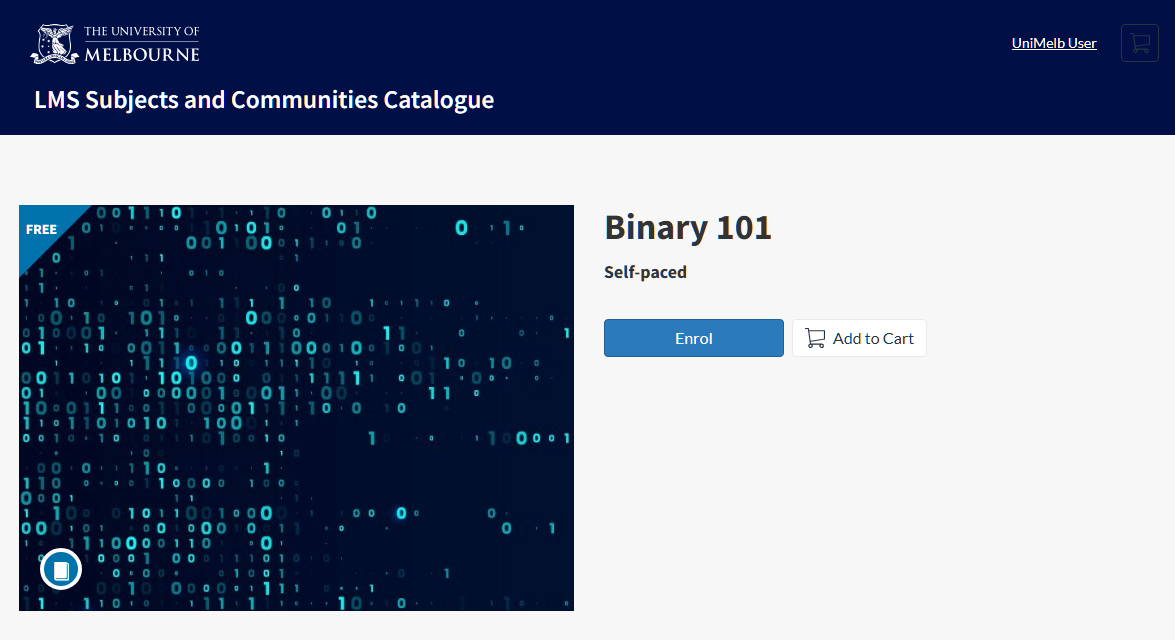
To enable self-enrolment for your Community, please include the following details in your request:
- Listing title
- Listing image and alternative text (if applicable)
- Teaser (brief paragraph summarizing the listing)
- Full description
- Visibility option (Hide listing, Show listing, or Link only)
- Enrolment availability period (e.g. open immediately or open on specific date; close on specific date or open indefinitely)
Community policy
Accountability and responsibilities
- Teaching and Learning Innovation: Assist and encourage the use of Communities based on the five categories listed above.
- Community owner: Responsible for maintaining the site and managing membership. Each Community must have at least one University staff member that is responsible for maintaining the site.
- Students are not able to request a Community.
- There is no integration of data from Communities to StudentOne and other university source systems.
- Community members: Ensure compliance with the University's Statutes and Regulations.
Policy overview
- Communities must be requested and administered by a University of Melbourne staff member.
- Community members are bound by the following policies:
Definitions and references
- The University’s Statutes and Regulations
- Members: referred to as any staff, student, affiliate or external who has an LMS account
Submit a request for a Community
If you are after a Community, you can contact your LMS faculty representative as they are able to create Communities and manage membership directly.
Requests for self-enrol Communities or Community name changes are managed by Teaching and Learning Innovation and must be escalated via the support request form.
When submitting a request via the support request form:
- Select Learning Management System (LMS) as your request type
- Select Community creation as your enquiry type.
This guide was last updated 22 Jul 2026.
Submit an LMS support request for further assistance or to report any errors or omissions in this guide.