Known issue: Pages containing IP addresses in URLs will not save
Issue
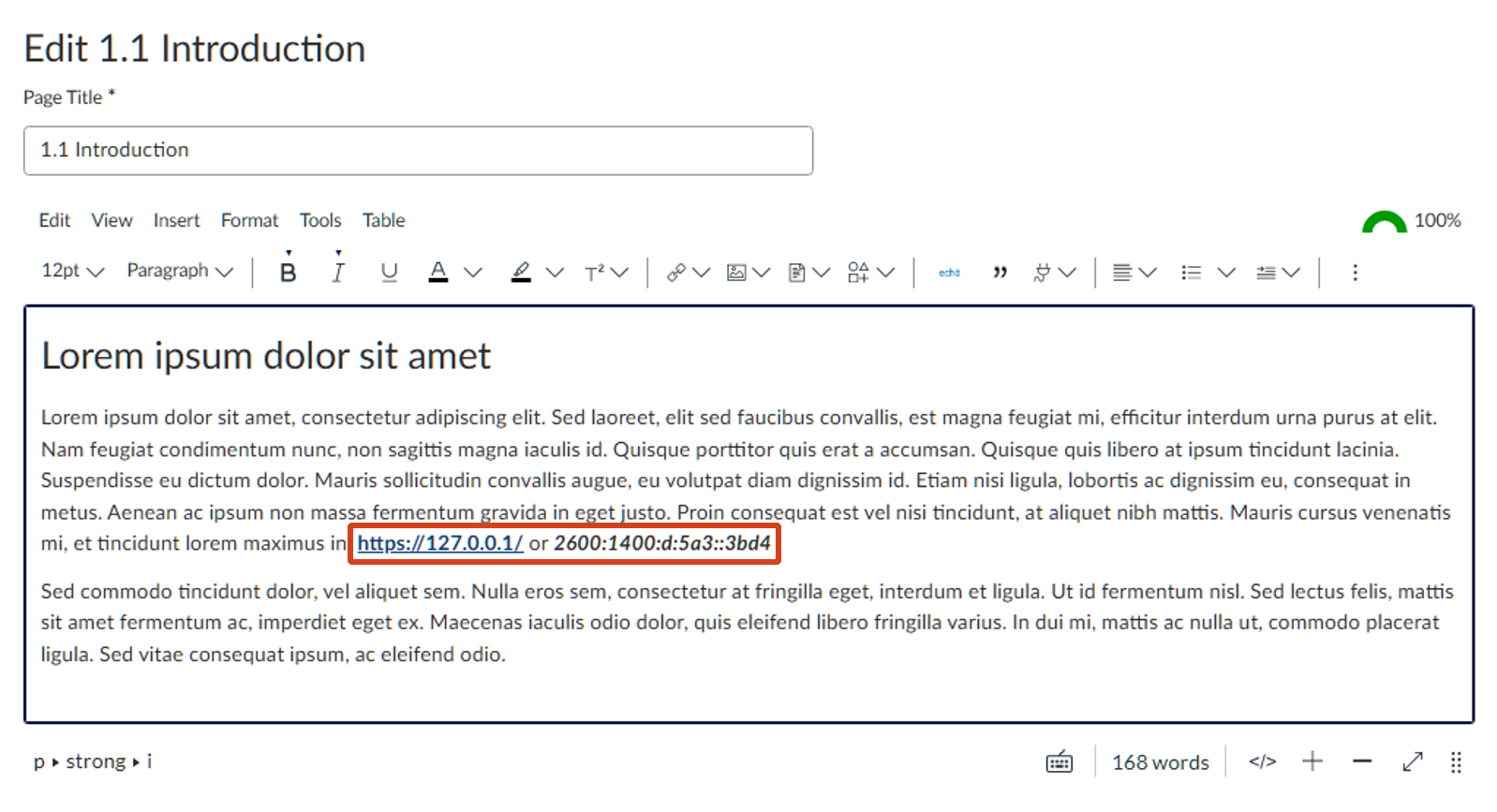
If a page contains a URL which itself contains an IP address anywhere in its content, then that page will not save. When a user clicks on the "Save" button, nothing will occur. Removing the URL containing the IP address will allow the page to be saved.
Note that the URL containing an IP address doesn't have to be a link itself - it can be plain text. It will trigger with any text of the form: (protocol)://(ip-address), where "protocol" is any valid web protocol (http, https, ftp, etc.) and "IP-address" is an IPv4 address.
IPv6 addresses do not seem to trigger the behaviour, nor does having text between the "//" and the IP address.
Status
Canvas has stated this is part of its security changes as a result of the May 2026 incident.
Workaround
As the filter requires an unbroken string of "://" between the protocol and the IP-address, we can interrupt this with a HTML tag and the page will save.
The best way to do this is with an empty span tag: Switch to the HTML editor, find the URL in question, and then add a span tag around the IP address. It should look something like: <span>https://127.0.0.1</span>.
An easier technique - but one that makes the text look a little strange - is to make either the "://" or the IP-address italic.
Support
Please submit a support request with Teaching and Learning Innovation with any questions or concerns.
More Information
Teaching and Learning Innovation