Feature release: Redesigned EchoVideo mobile app
The new Echo360 app has been released for iOS and Android and can be installed via the App Store or Google Play Store, respectively.
The redesigned app offers a modern interface and new functionality, allowing you to view subject recordings and media that has been shared with you as well as record, upload, and share your own media.
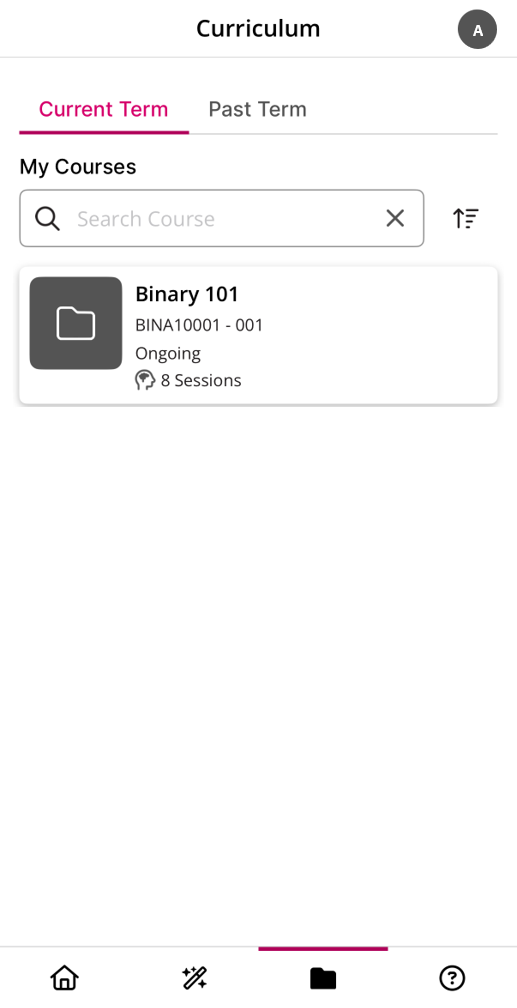
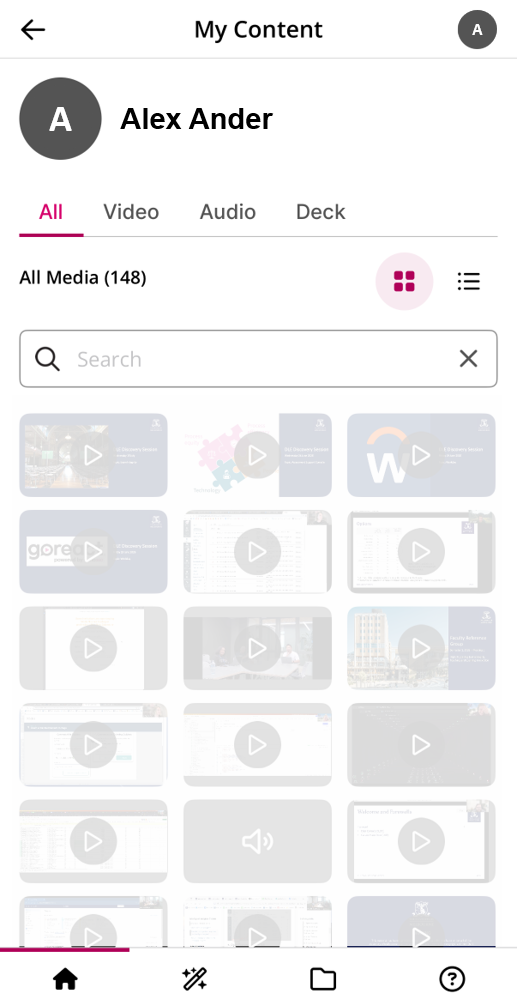
The Curriculum tab specifically allows you to view current and past subjects. The My Content menu, accessed by clicking on your user icon (top-right), offers a view of all media that has been shared with you.
Note that, in contrast to the EchoVideo web experience, the app currently does not allow users to:
- View live streams
- Download media
- Edit media
- Edit transcription
- Access Collections
- View media analytics.
For additional support, please see the vendor guides on the Echo360 mobile app.
Please submit a support request with Teaching and Learning Innovation with any questions or concerns.